

Block operators on specific devices
emnify’s mobile core network manages the network selection from the network side in conjunction with the SIM settings. It has a global view of the available radio networks, their supported features, and live network status. This view helps temporarily or permanently steer SIMs away from ‘low signal quality’ networks and to the networks with the strongest signal.
The manual carrier switching can be done in two ways:
- Select the preferred operator in the device’s menu.
- Block other operators using the emnify Portal or emnify REST API.
Adding a network to the Blocked Operators list doesn’t prevent your devices from trying to connect to those networks. You still see the attempts in the Events tab, but emnify’s mobile core rejects any connection attempt. You should only use this feature to solve technical issues associated with specific operators.
Individual device
Block an operator
Navigate to your Connected Devices.

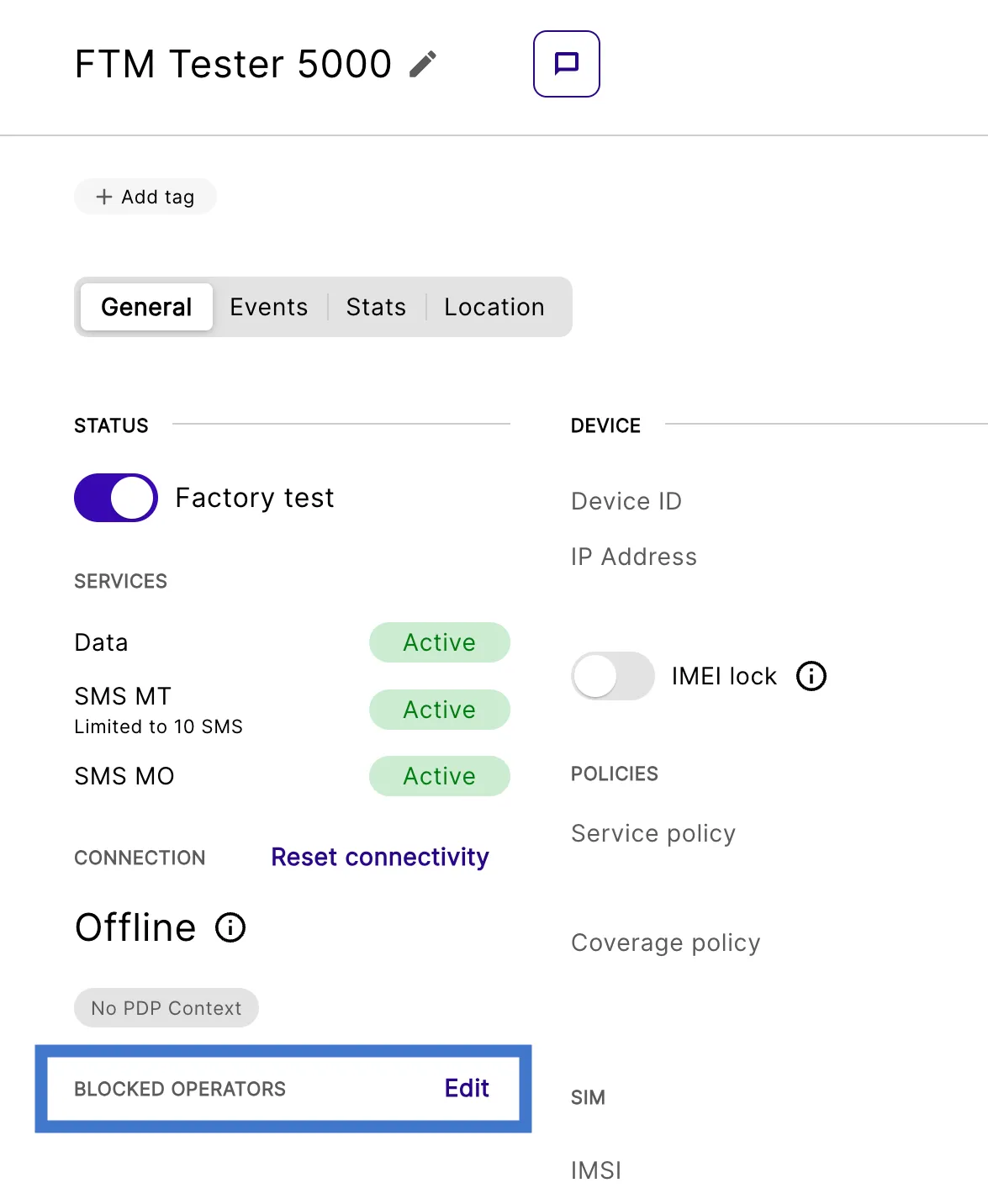
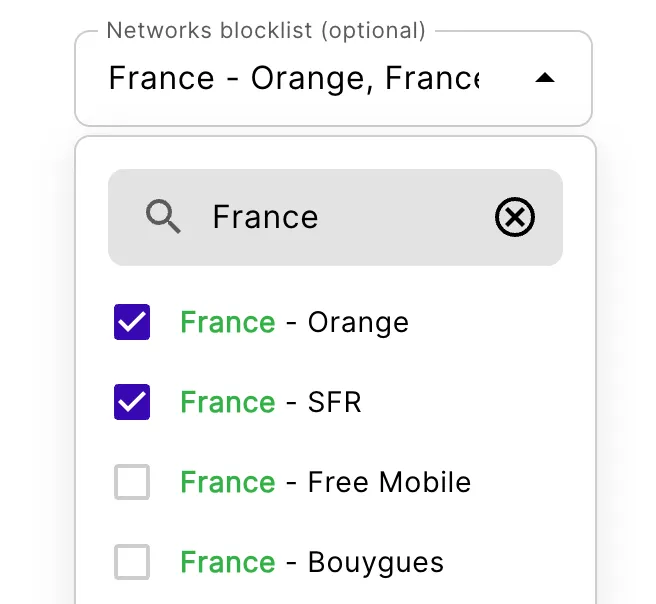
Changes save automatically and the blocked operators are shown on the Device Details.
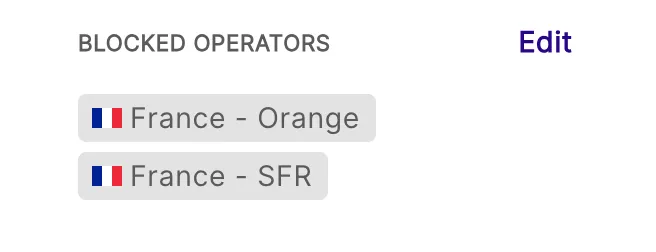
Remove an operator from the blocklist
Navigate to your Connected Devices.
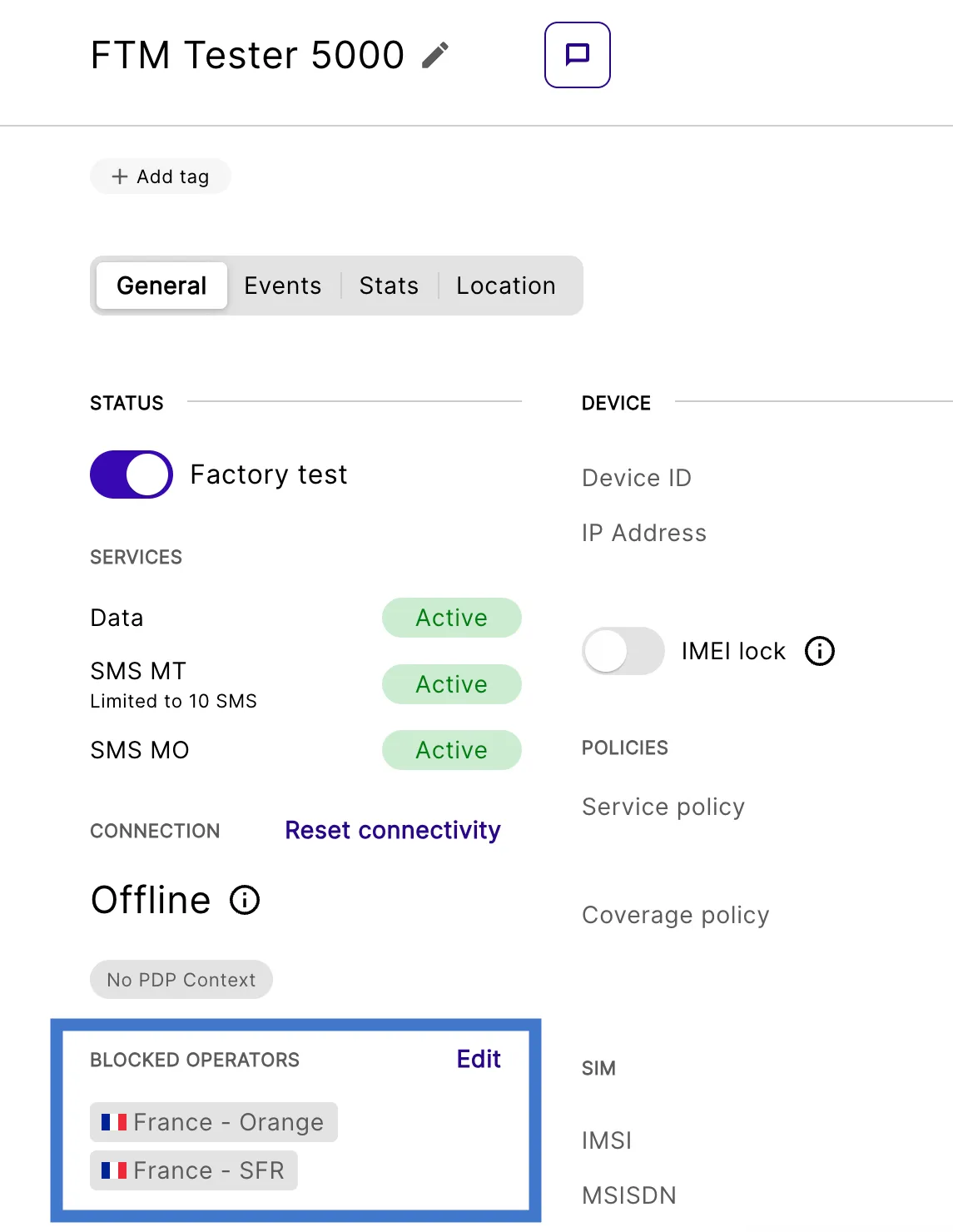
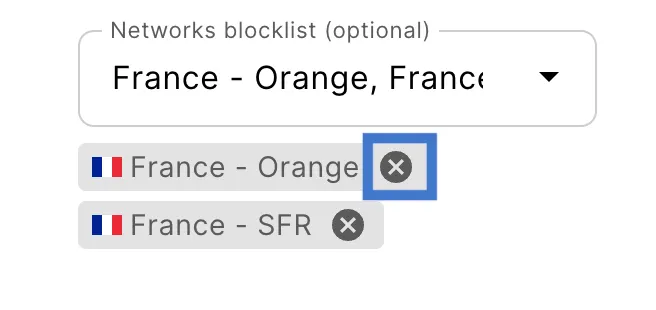
Changes save automatically and the updated blocked operators are shown on the Device Details.

Multiple devices in bulk
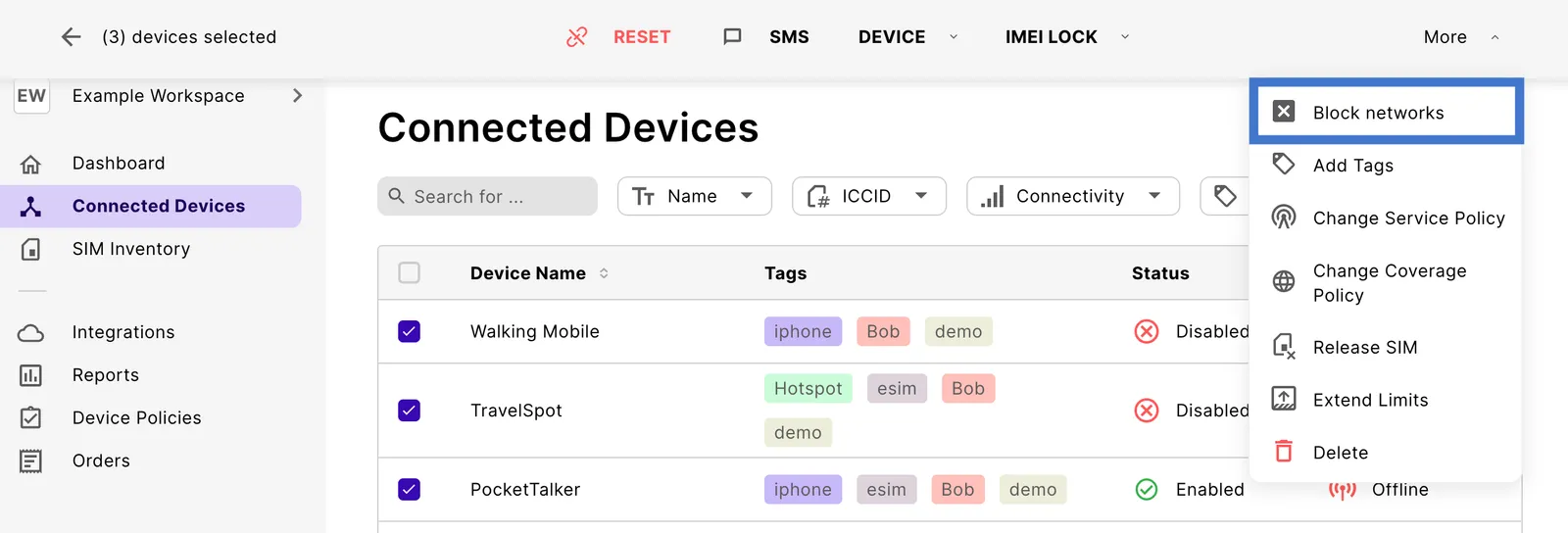
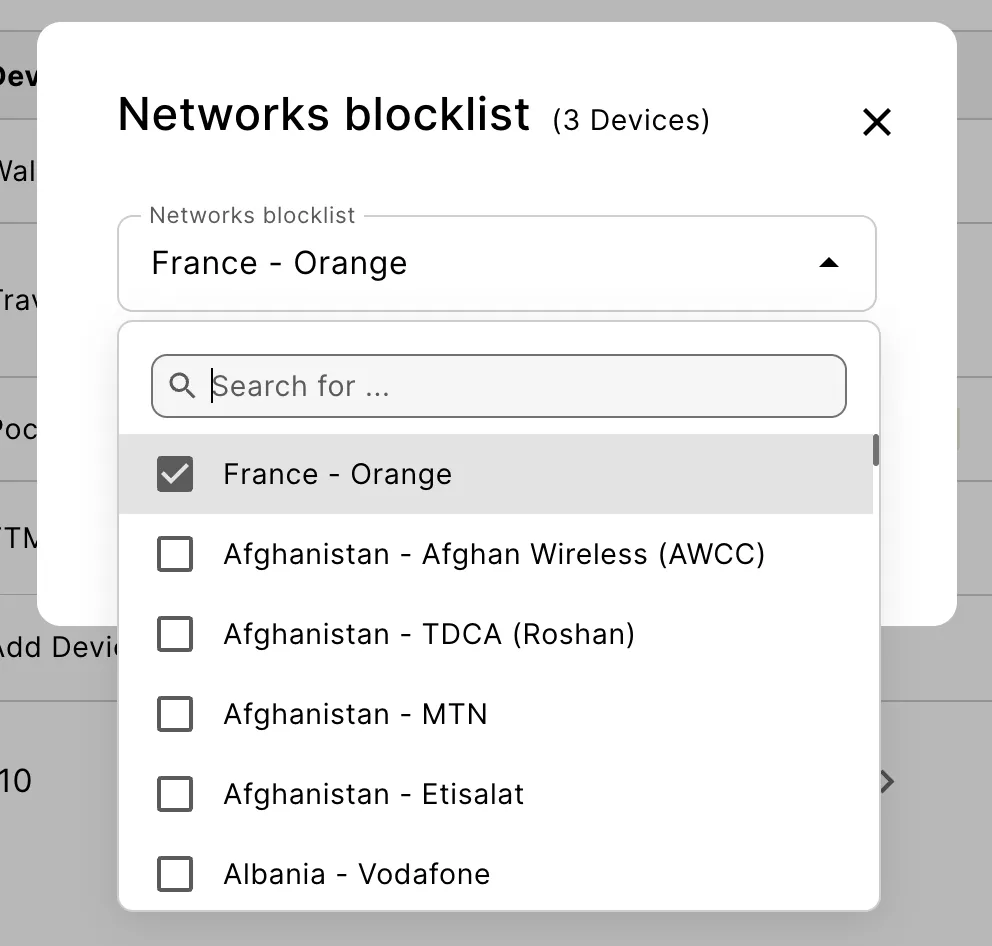
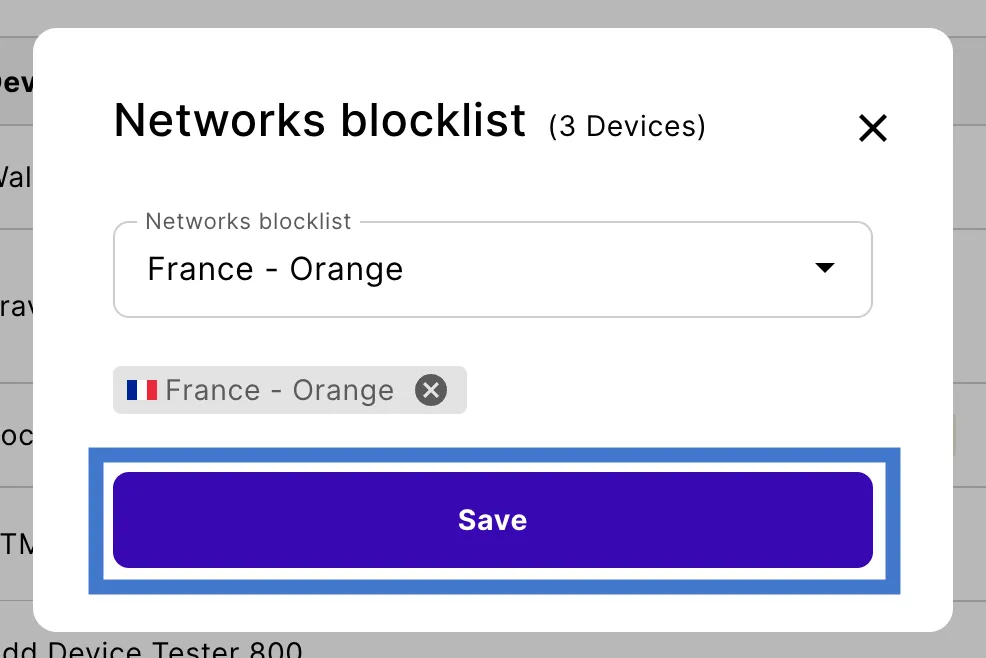
It’s also possible to select several devices on the Portal and update the blocked operators list for all of them simultaneously.
Navigate to your Connected Devices.
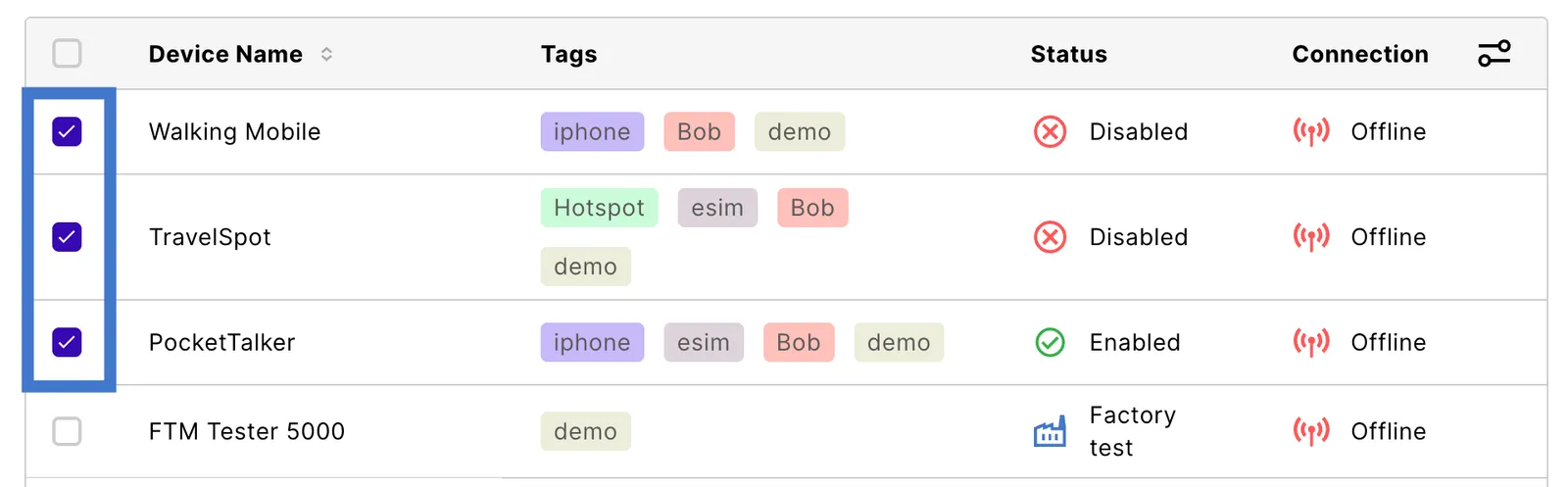
Search for the devices where you wish to block an operator and select the checkbox next to every relevant device.
Block operators with the emnify REST API
You can also configure blocked operators using the following emnify REST API calls: