

Manage data or SMS quotas
Quota management is available through Device Policies in the emnify Portal.
Prerequisites
See Quota management to learn more about quota limits and enforcement.
Turn on data or SMS quotas
In Service Policies, choose the policy you want to update and expand the policy details.
Set a quota for your devices
After you turn on quota management in the service policy, you must assign a quota to each device that uses this service policy. Otherwise, these devices are blocked from creating PDP activation sessions because there’s no defined quota.
Navigate to your Connected Devices.
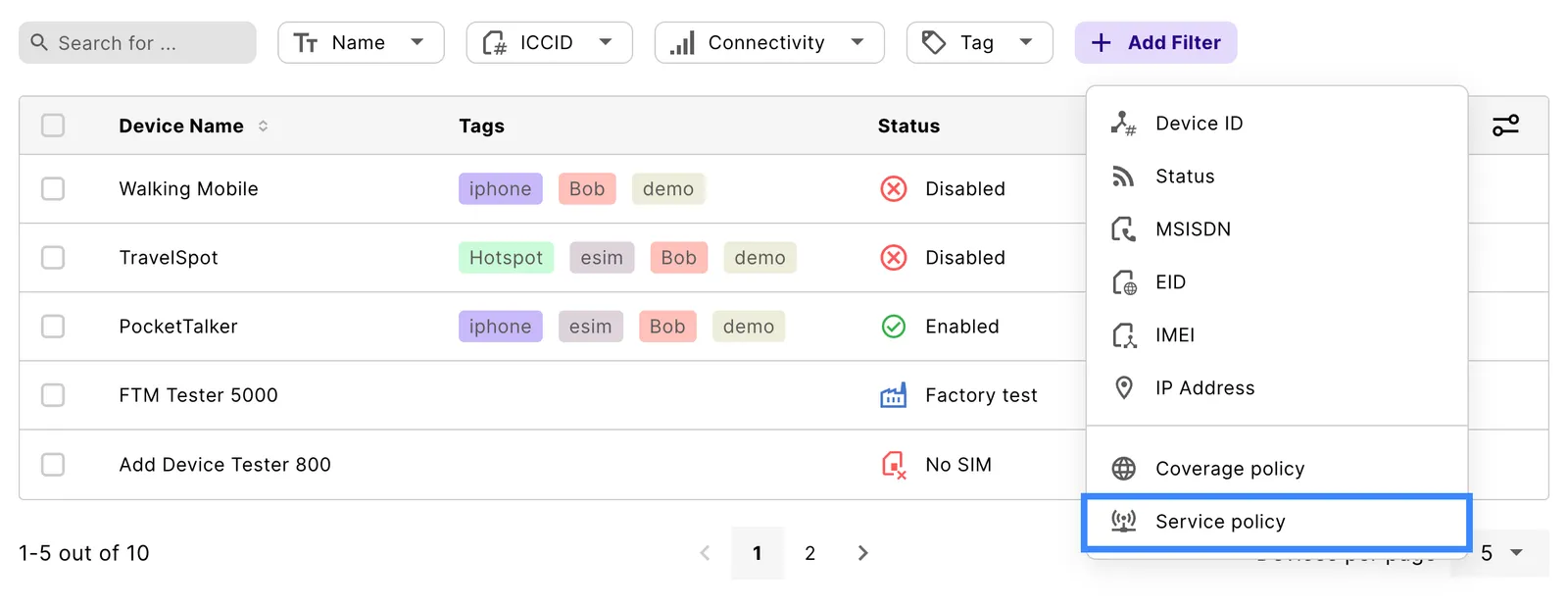
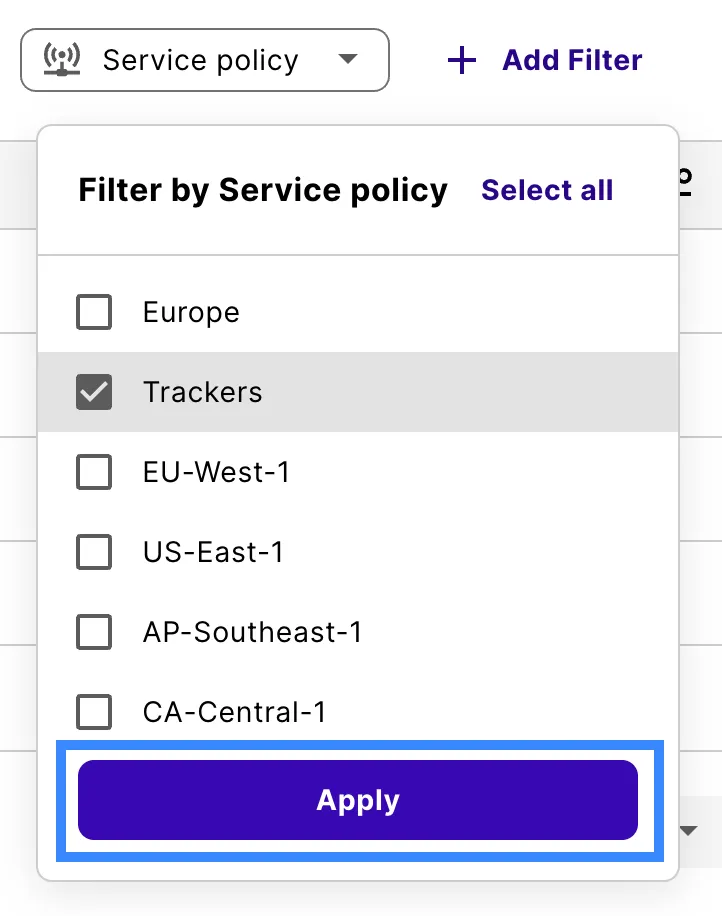
Choose a device you want to set a quota on and click anywhere on the table row to open the device details.

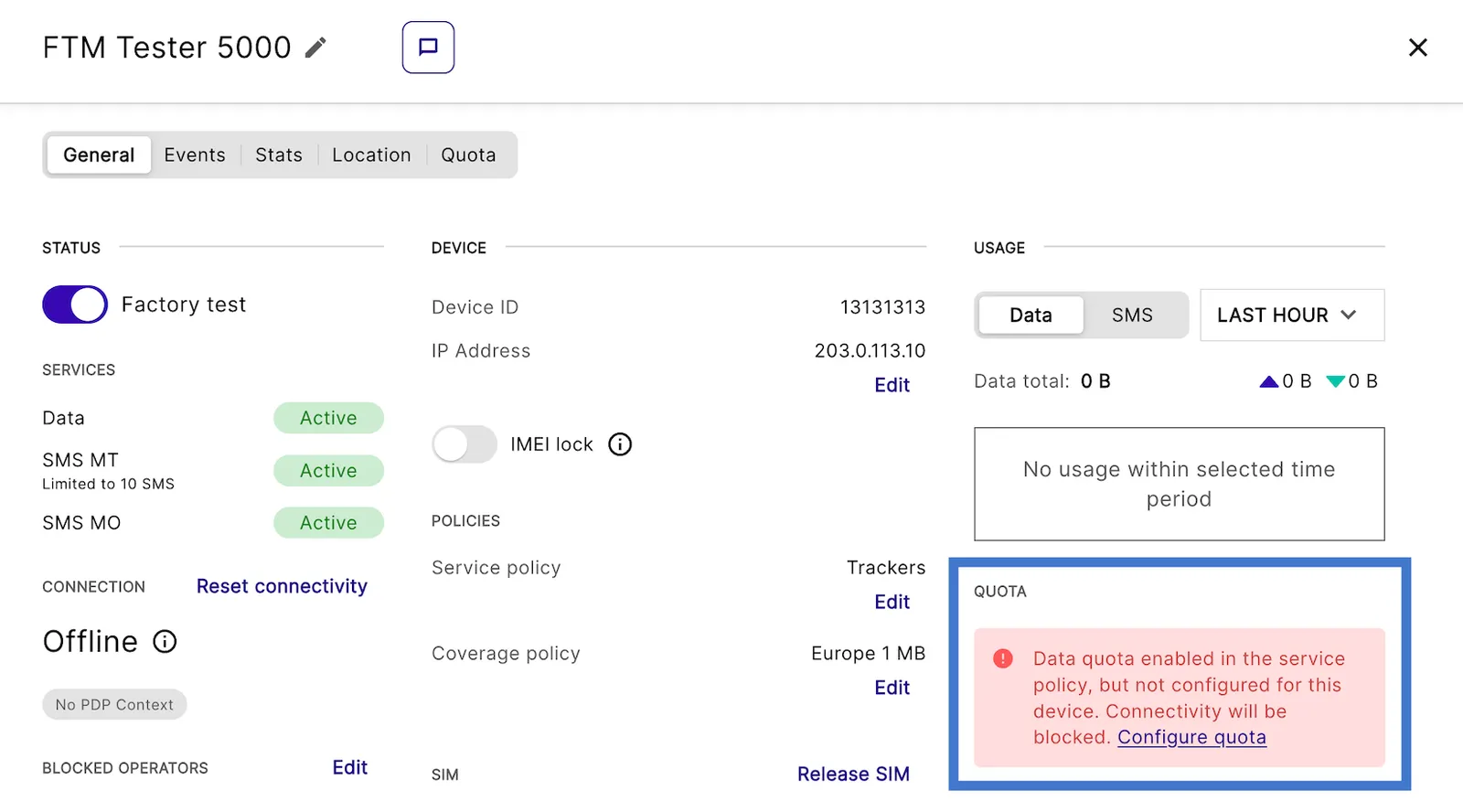
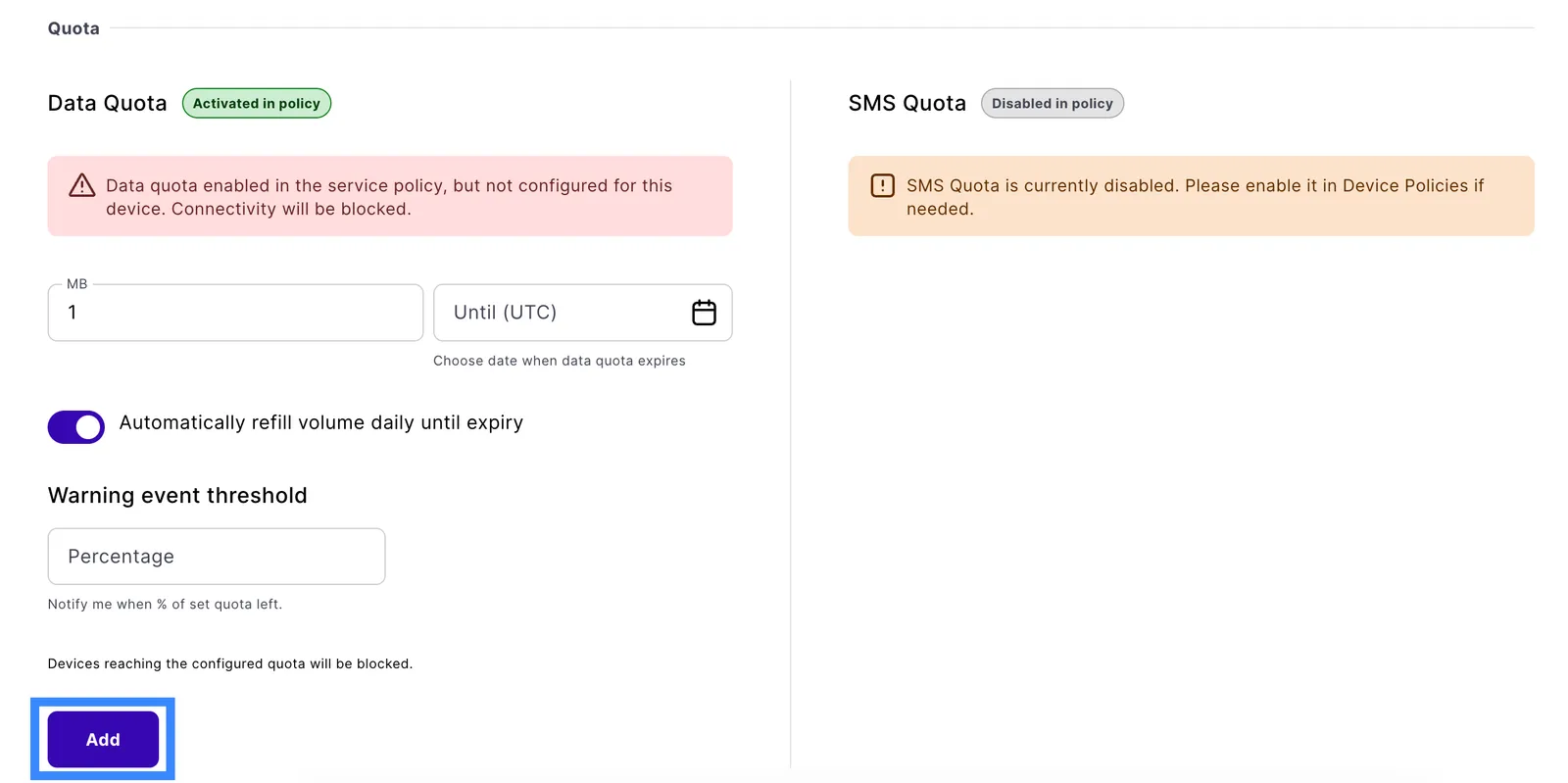
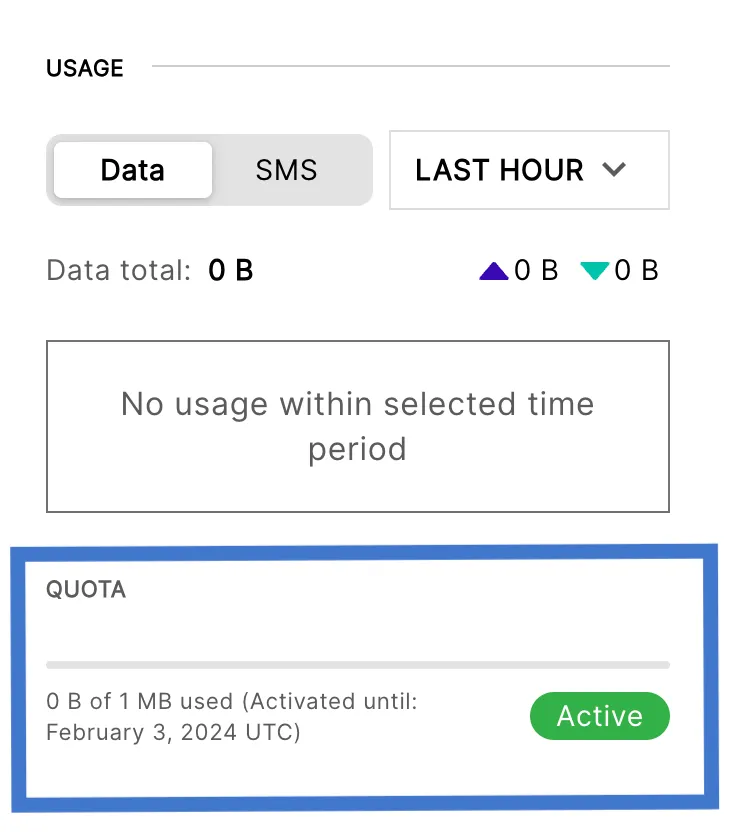
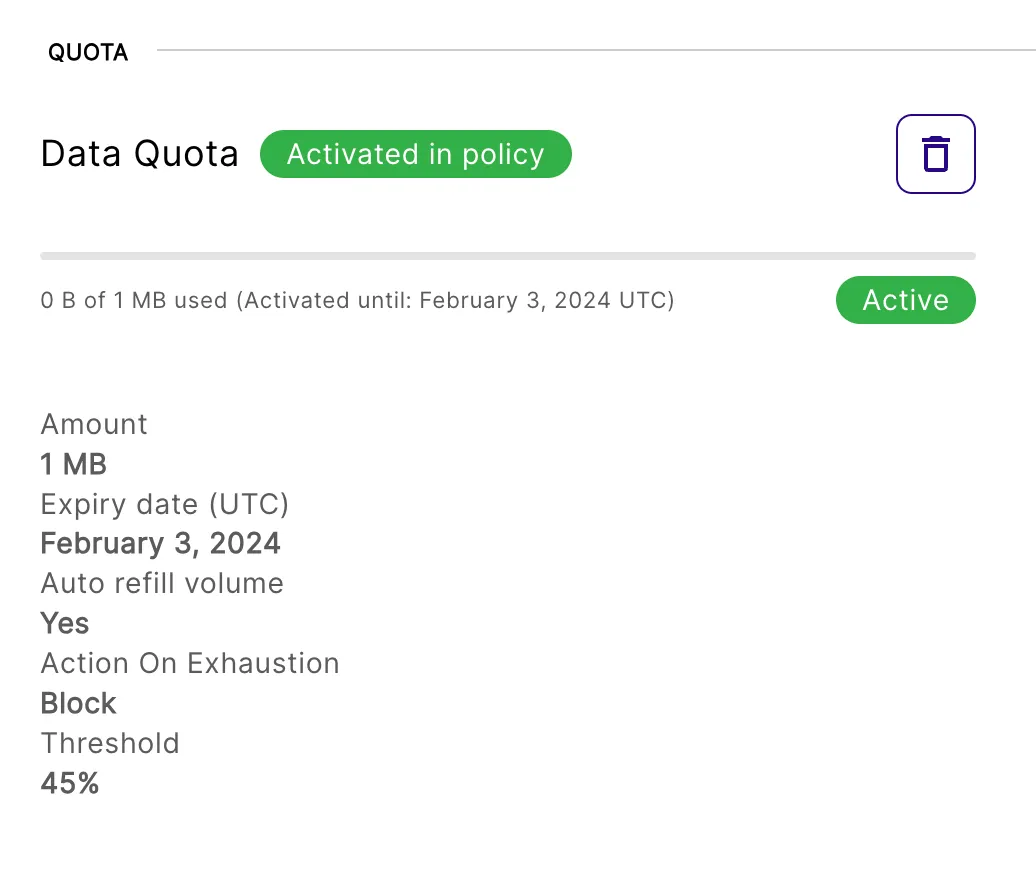
Now, you can view your quota information in two places on Device Details:
-
General tab > Usage > Quota
-
Quota tab > Quota
Turn off data or SMS quotas
In Service Policies, choose the policy you want to update and expand the policy details.