Update your company details
Name and address
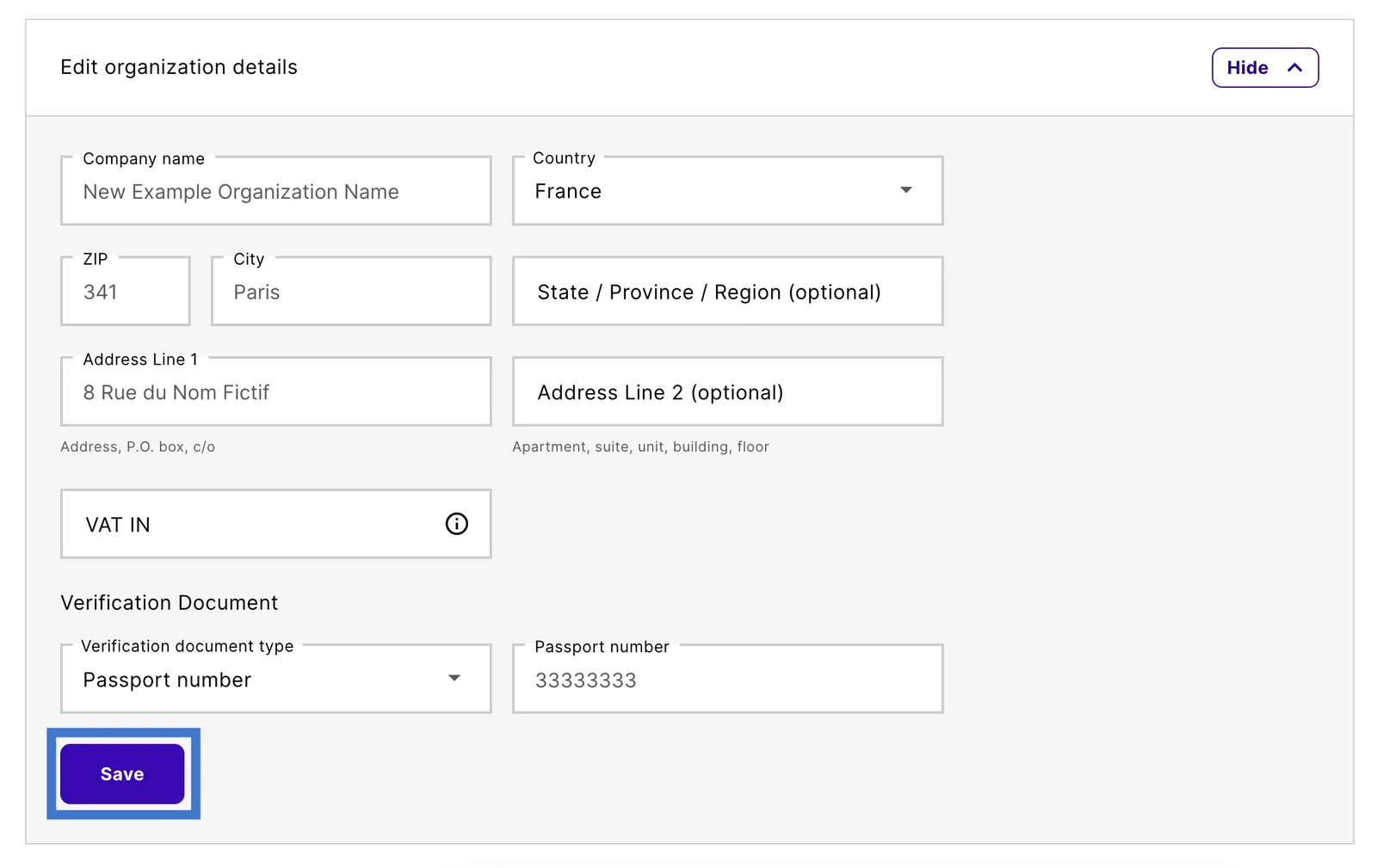
If you need to update or change your company’s name or any other details, follow these steps.
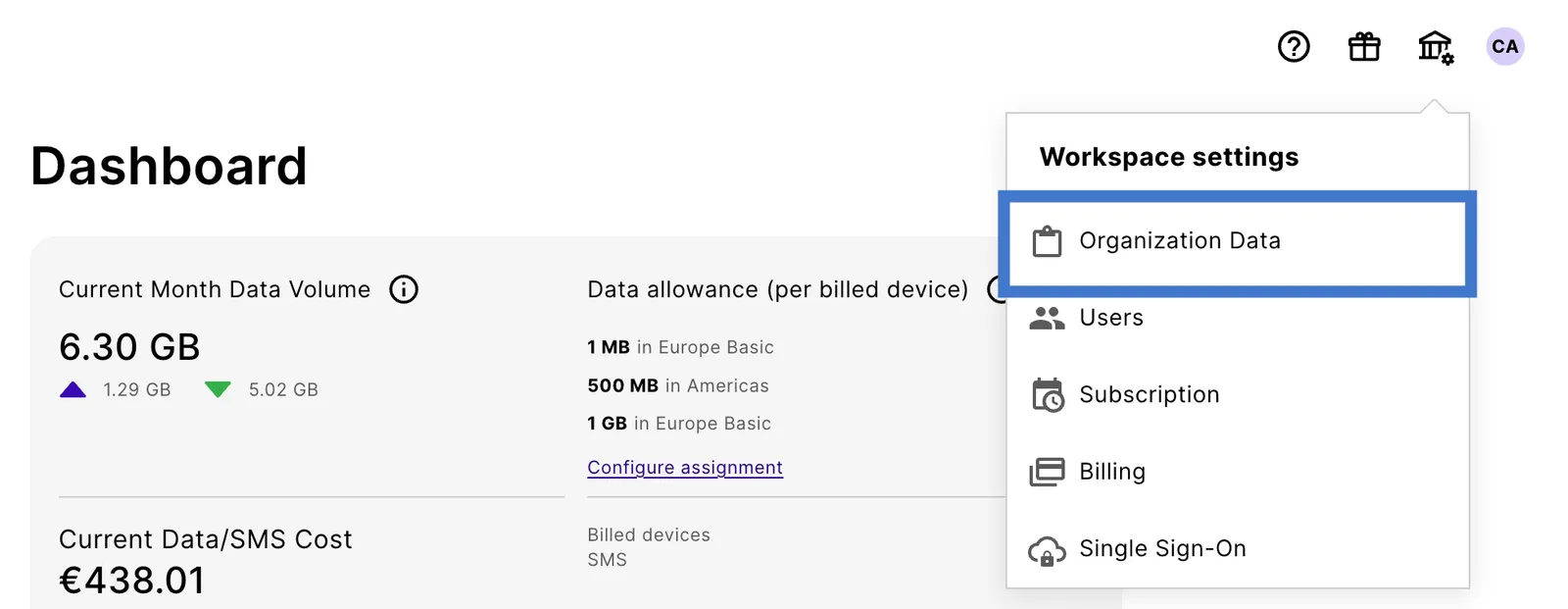
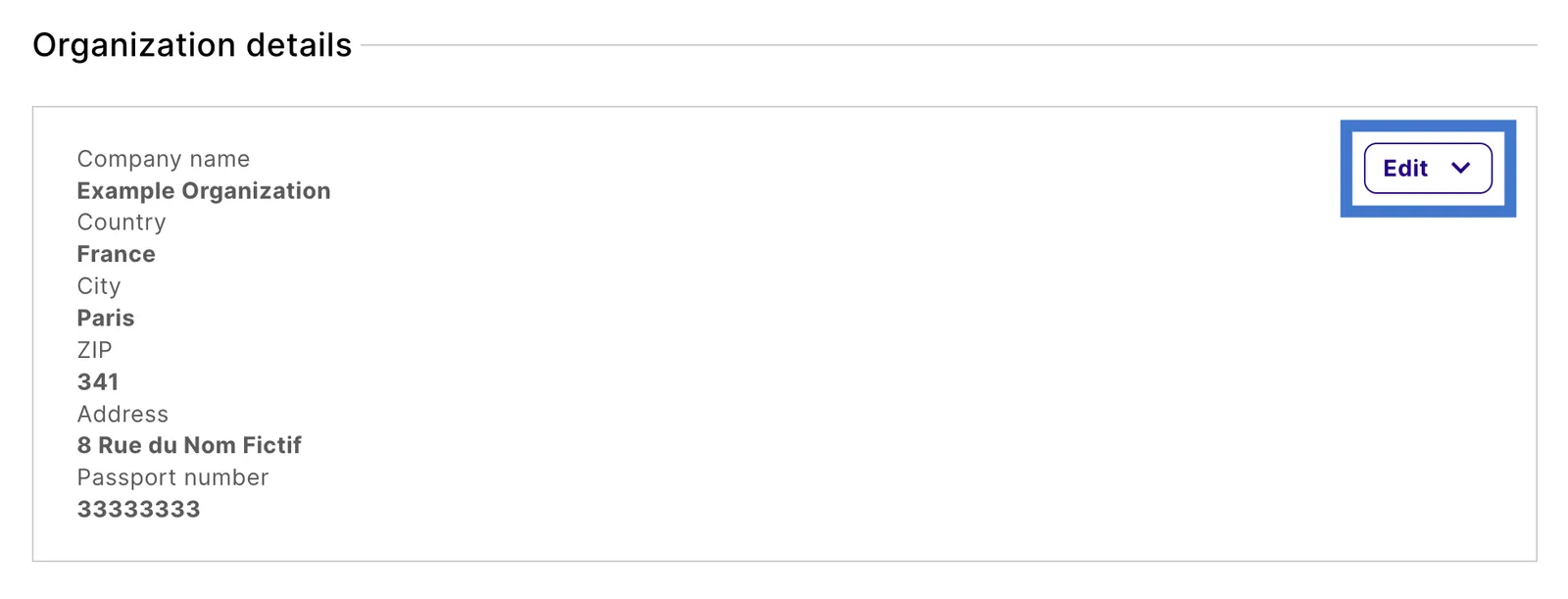
In the following example, the company name Example Organization is changed to New Example Organization Name.
Payment method
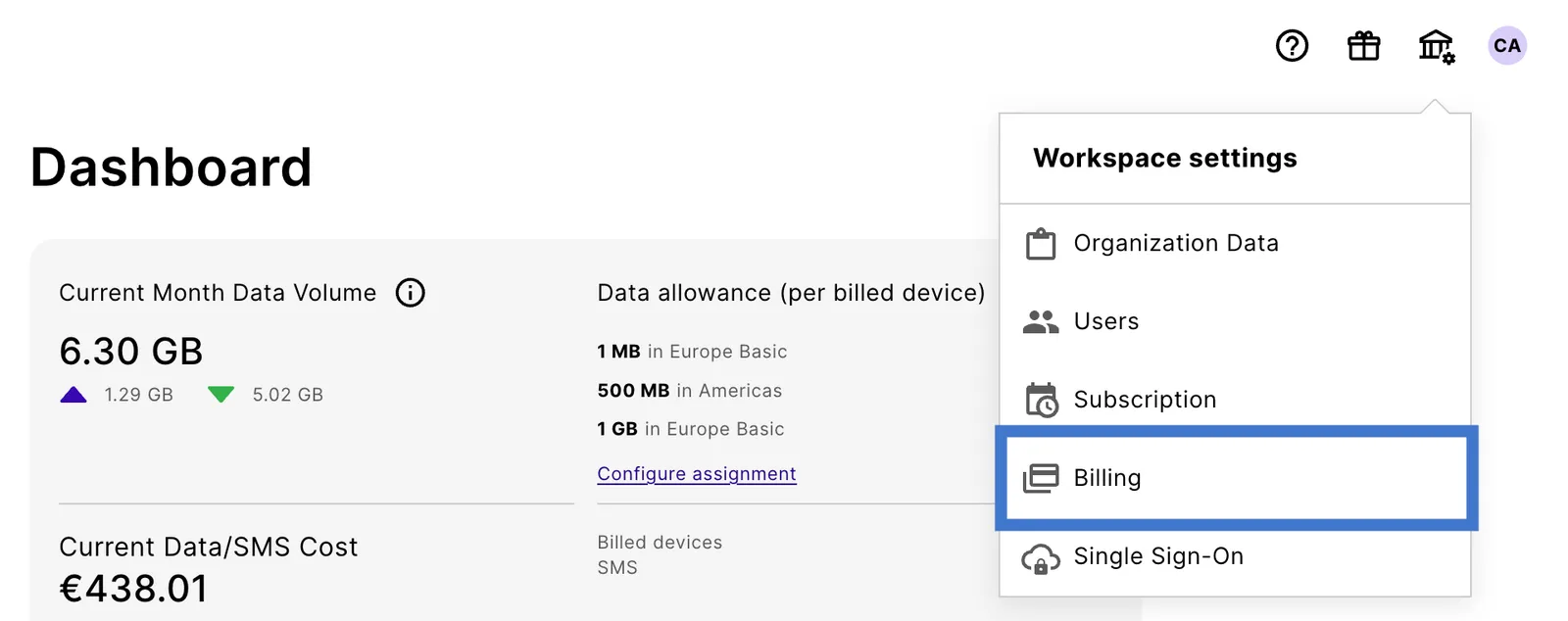
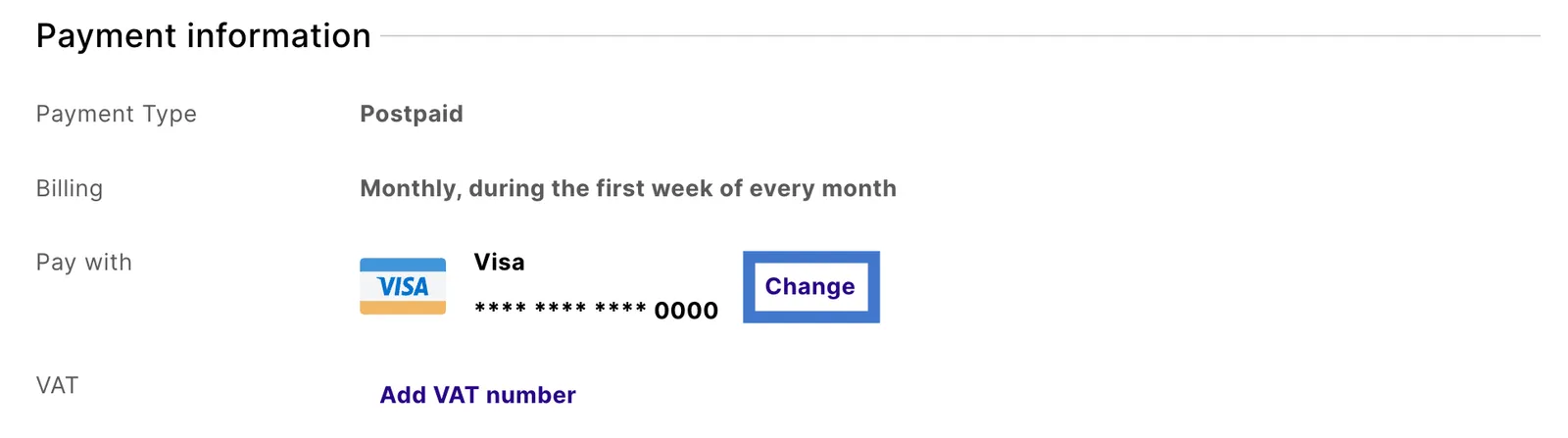
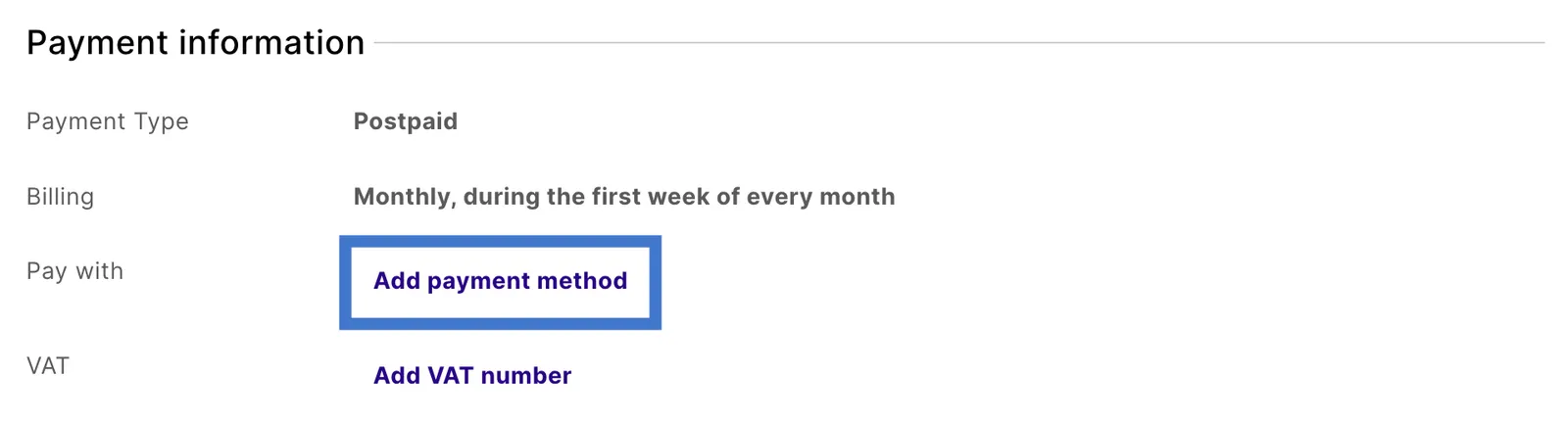
You can also update your payment method in the Workspace settings.
These steps update the card or payment details already on your account.
To switch to a different type of payment method, contact Finance at finance@emnify.com.
See Payments.