

Change the assigned data allowance
Data plans and the associated allowances are managed within coverage policies.
With the Pro Package, you can manage up to 6 data plans. Those with a Plus Package can manage up to 4 data plans.
Once a data plan has been configured on your emnify account, make sure your coverage policies have been adjusted correctly to take advantage of data allowances.
View your coverage policies
Navigate to Device Policies, then scroll to Coverage Policies.
Once configured, you need to add a data allowance for your coverage policies to use them with devices.
Change the data allowance
If you notice that one of your devices uses more (or less) data than expected, you can update its assigned data allowance any time during the month.
Any changes are reflected on your invoice within a few hours.
Individual device
Navigate to your Connected Devices.

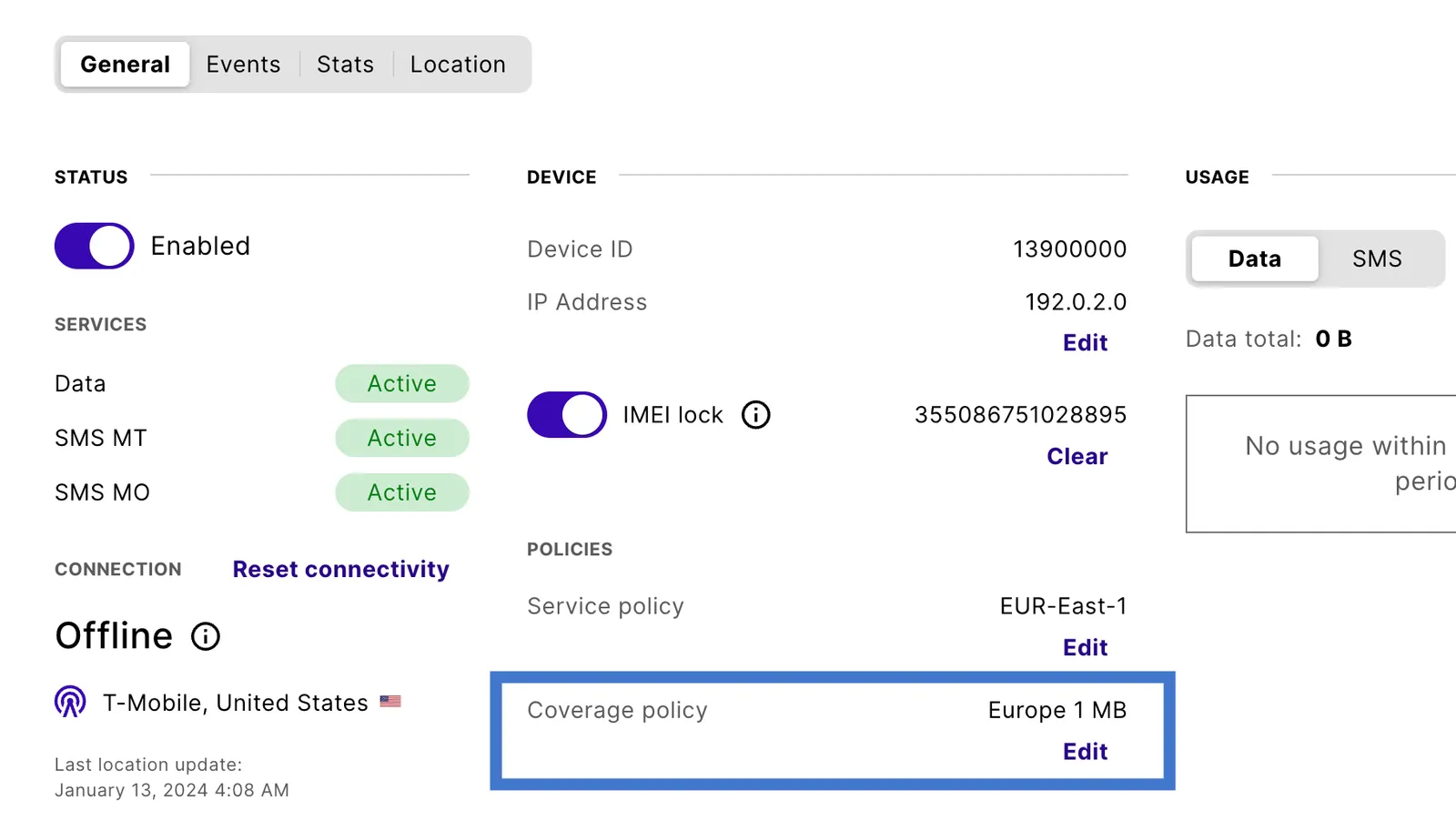
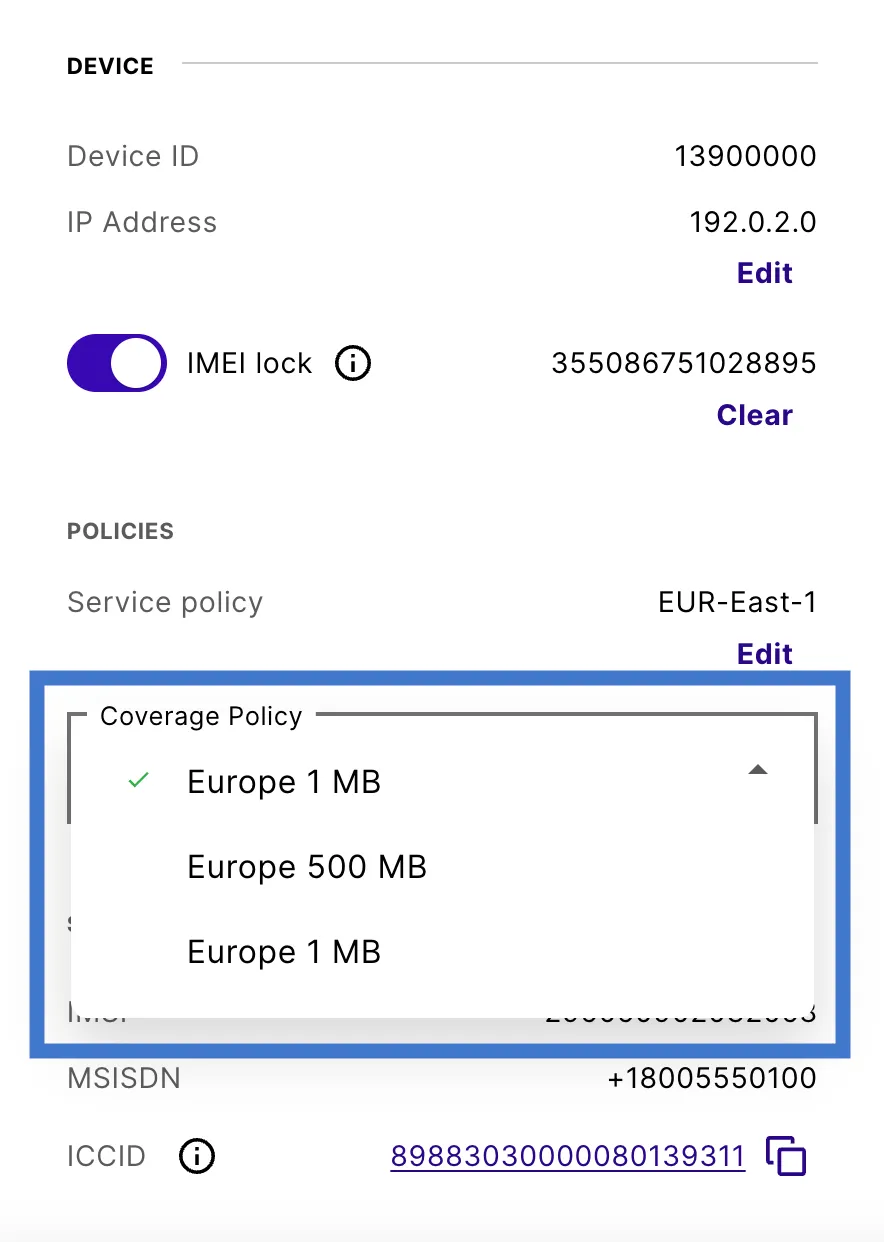
Multiple devices in bulk
Navigate to your Connected Devices.
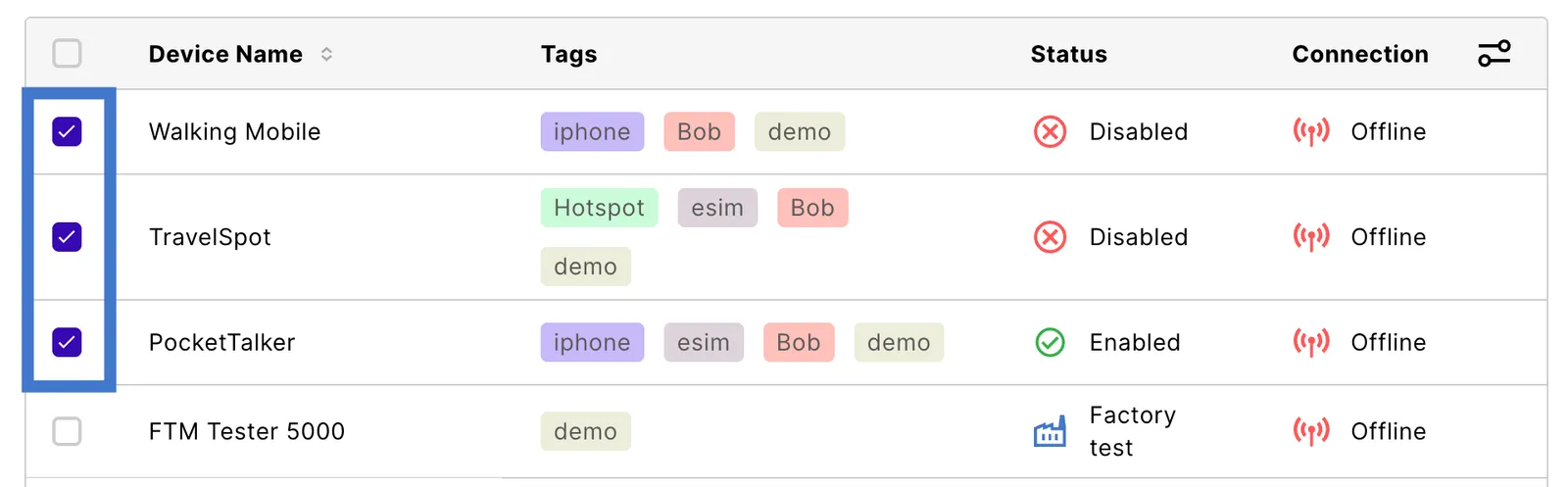
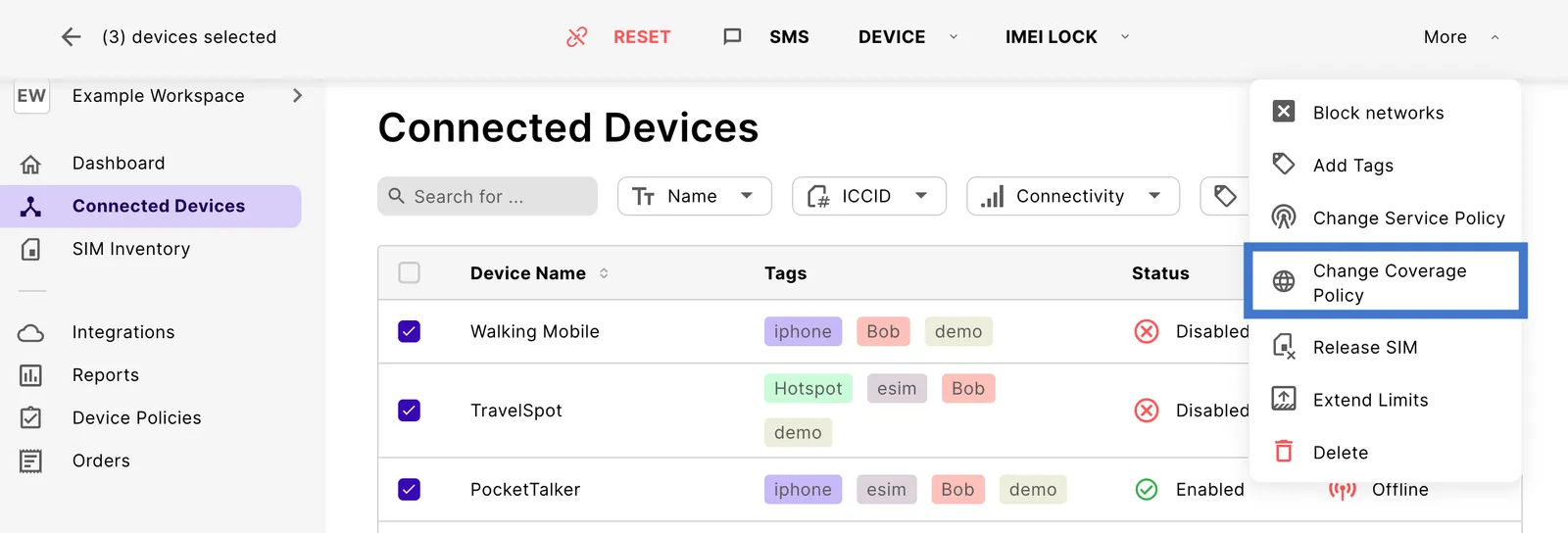
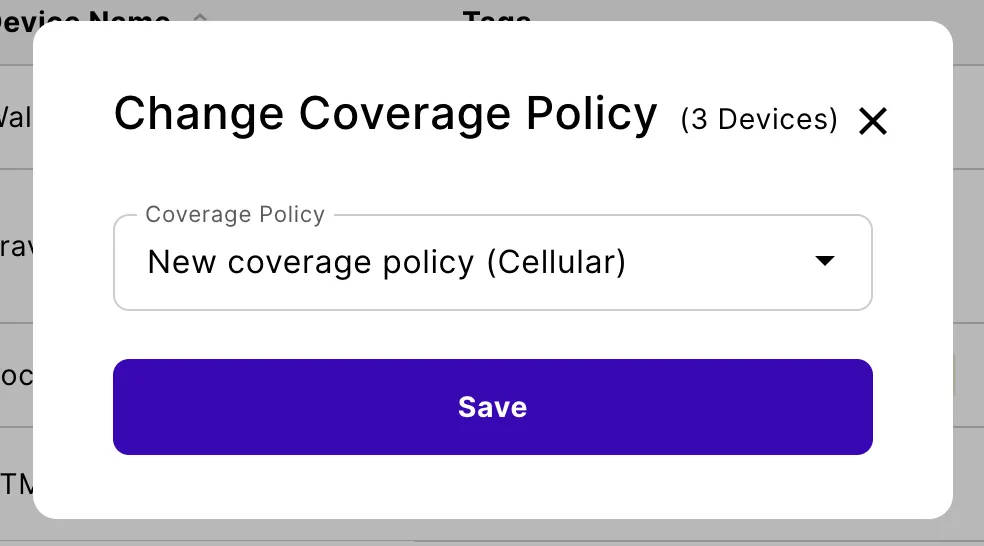
Change the data plan
You can also change the coverage (for example, switching from Americas to APAC) anytime during the month.
When creating the invoice, emnify confirms which data plan the device is assigned to and bill your account accordingly. Any changes are reflected on your invoice within a few hours.
To change a coverage policy’s data plan in the Portal, follow these steps:
Go to Coverage Policies.
When a data plan includes active SIMs, it’s added to your bill at the end of the month.